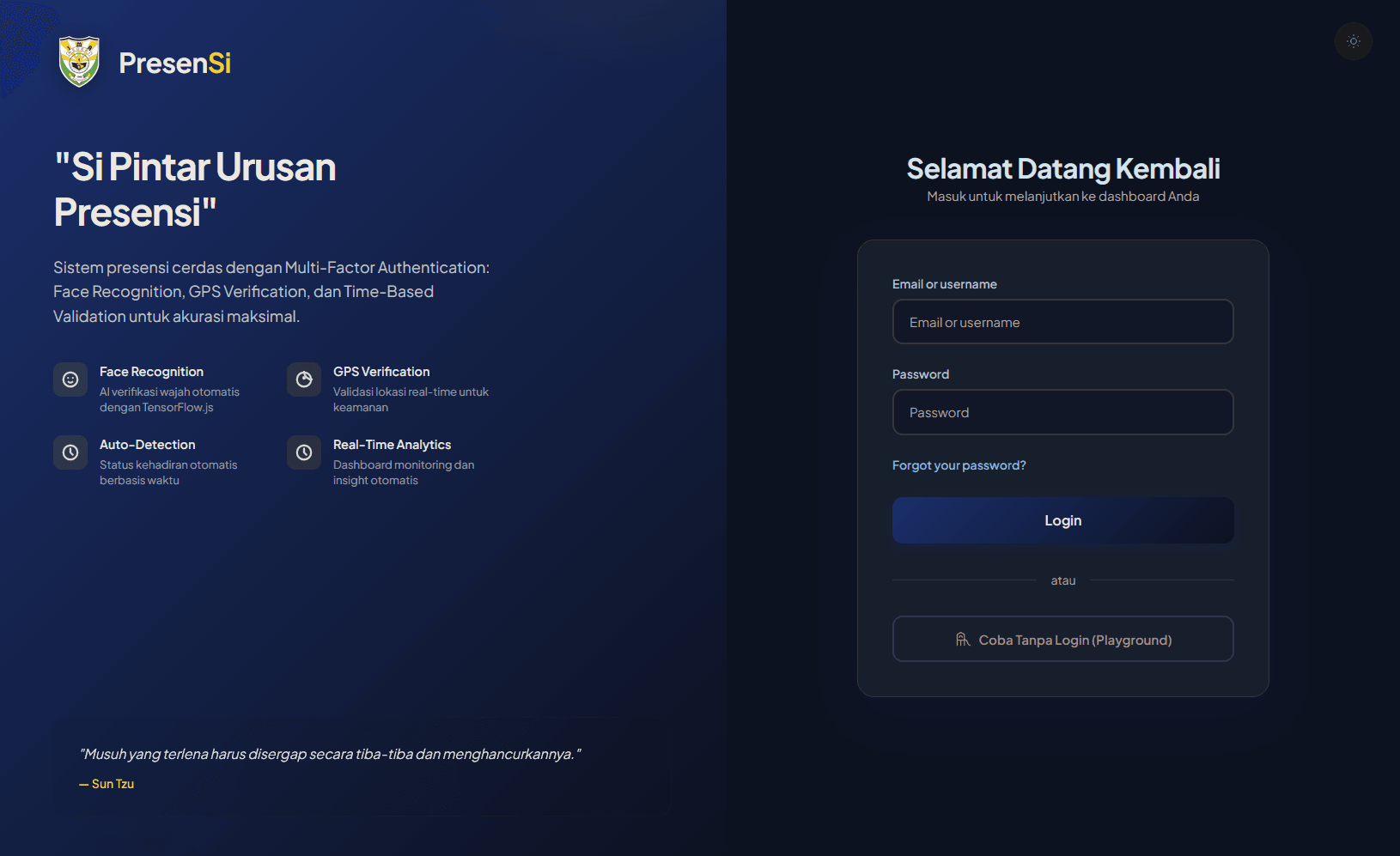
PresenSI
CompletedFrom an open-source project to an attendance platform for 1,000+ students. Face recognition, GPS verification, an AI assistant, and no dedicated GPU server.
I initially just wanted to build a better school attendance system. The problems were pretty familiar: proxy attendance, fake locations, and long queues during the morning rush. Somehow, the project kept growing until it became much bigger than I originally planned.
It’s called PresenSI (Si Pintar Urusan Presensi). It started from the open-source project o-present, but I ended up reworking a large part of the original implementation, including its architecture, security, and core features.
More Than Just Face Scanning
PresenSI uses three verification factors that must all pass:
- WHO: Identity verification using face recognition and active liveness detection.
- WHERE: Location verification using GPS and the Haversine formula.
- WHEN: Device time correction based on server time.

For face recognition, I used Human.js to generate 1024-dimensional face embeddings. These are compared using Cosine Similarity with a threshold of 0.62. There’s also a randomized head movement challenge to check whether the user is actually responding.
My favorite part is that all face inference runs directly in the browser using WebAssembly and WebGL. The server doesn’t need to run an AI model for every student checking in, and raw facial images aren’t uploaded during the matching process.
And Then There’s an AI Assistant
I also added something that might be a little overkill for an attendance system: Si Pintar, an AI assistant that can answer questions about attendance data using natural language.
For example, users can ask which students were late in a particular class. Behind the scenes, it uses a Two-Pass LLM Pipeline powered by Groq API.

The first pass converts questions into SQL SELECT queries. A Regex Sanitizer checks the generated query before execution, while also restricting access to the appropriate user data. The second pass turns the query results into a readable response.
I also implemented API Key Pooling to handle rate limits without immediately failing requests.
A Few More Things
There are a couple of other features worth mentioning:
- Kiosk Mode: A self-service attendance terminal with barcode scanning, automatic face verification, and Telegram notifications.
- Database: MySQL/MariaDB with 10 main relational tables.
- Authentication: MythAuth using SHA-384 and Argon2id.
- Local Assets: JavaScript libraries and model files are hosted locally instead of relying on external CDNs.
The Kiosk Mode flow is pretty simple: scan an ID card, verify the face, and show the attendance result. I also added a 30-second Idempotency Window to prevent duplicate check-ins.
So, How Did It Turn Out?
PresenSI is now used by students at SMA Negeri 1 Balikpapan and runs on regular cPanel shared hosting. According to the project’s test documentation, it passed all 50 functional test scenarios.

I learned quite a bit while working on this project, from backend development and browser-based AI to application security and API integration. Some things that looked simple at first turned out to be surprisingly complicated once everything had to work together.
Anyway, this has easily become one of the biggest software projects I’ve worked on so far 😆